Development is currently paused. You can still play the prototype version of the game (accessible freely by Patreon members).
Trailer & videos


Description
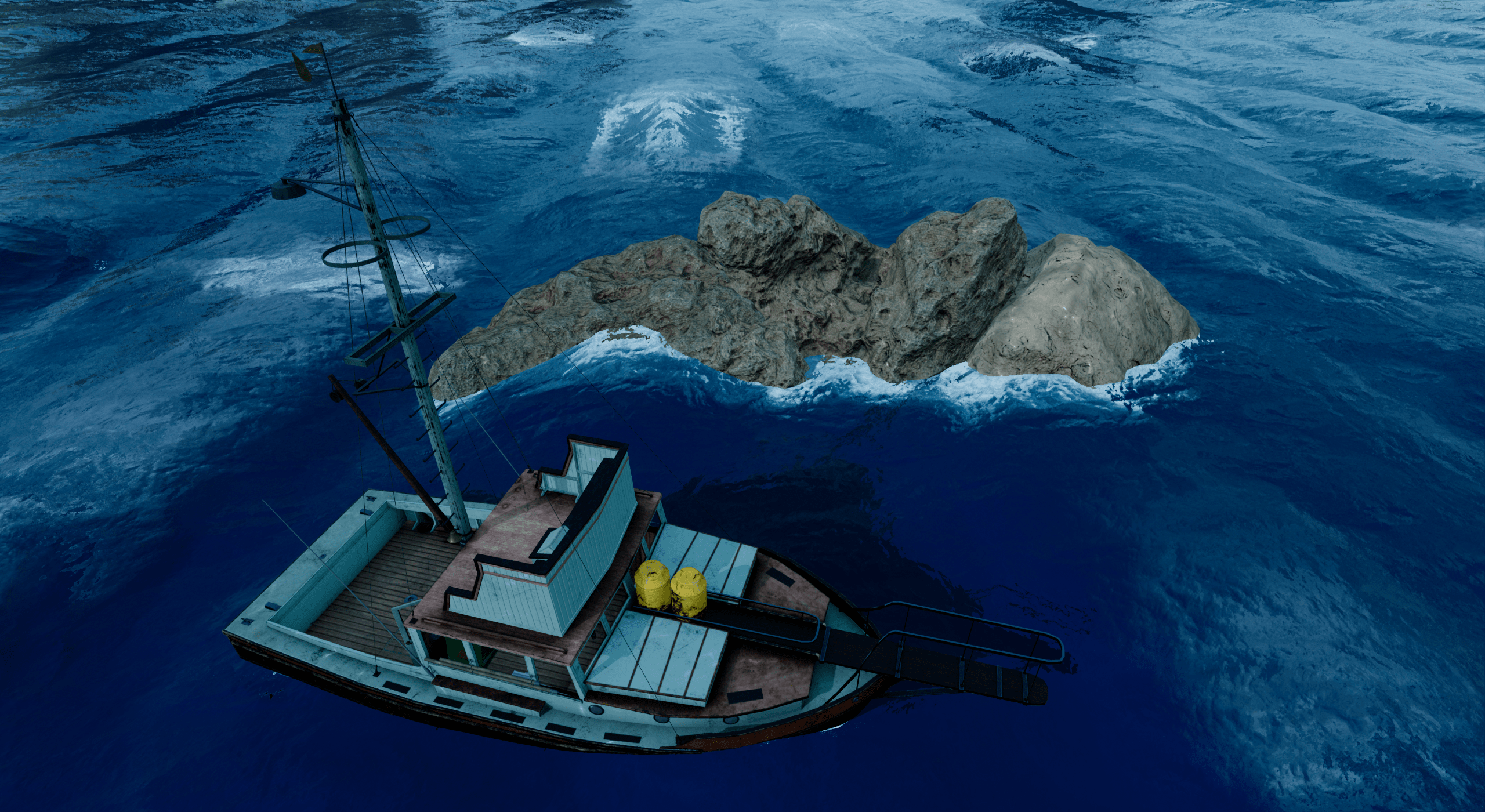
In Shark Hunt, You are a treasure hunter who is looking for the rarest submarine pearls in the world to make a fortune.
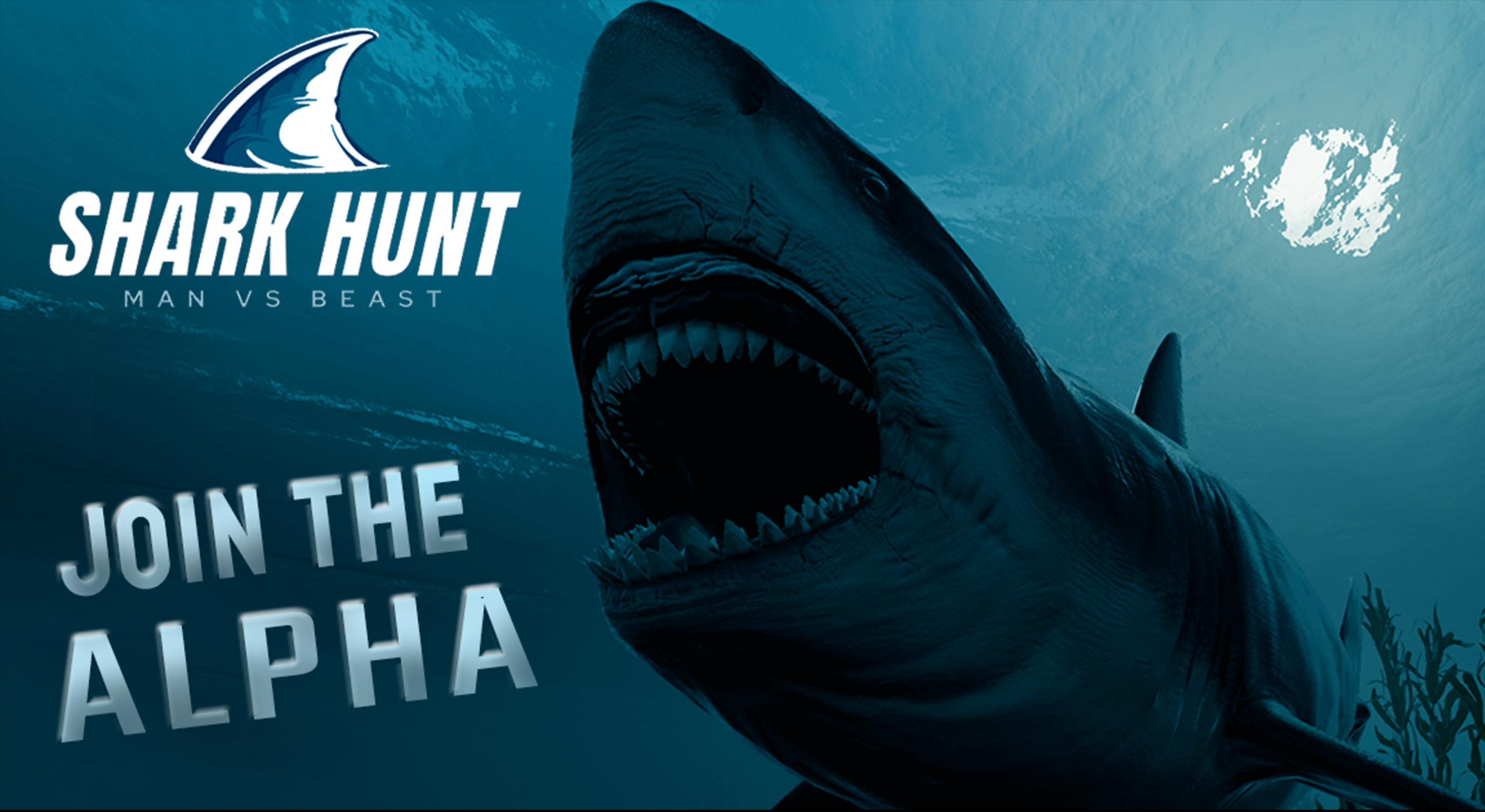
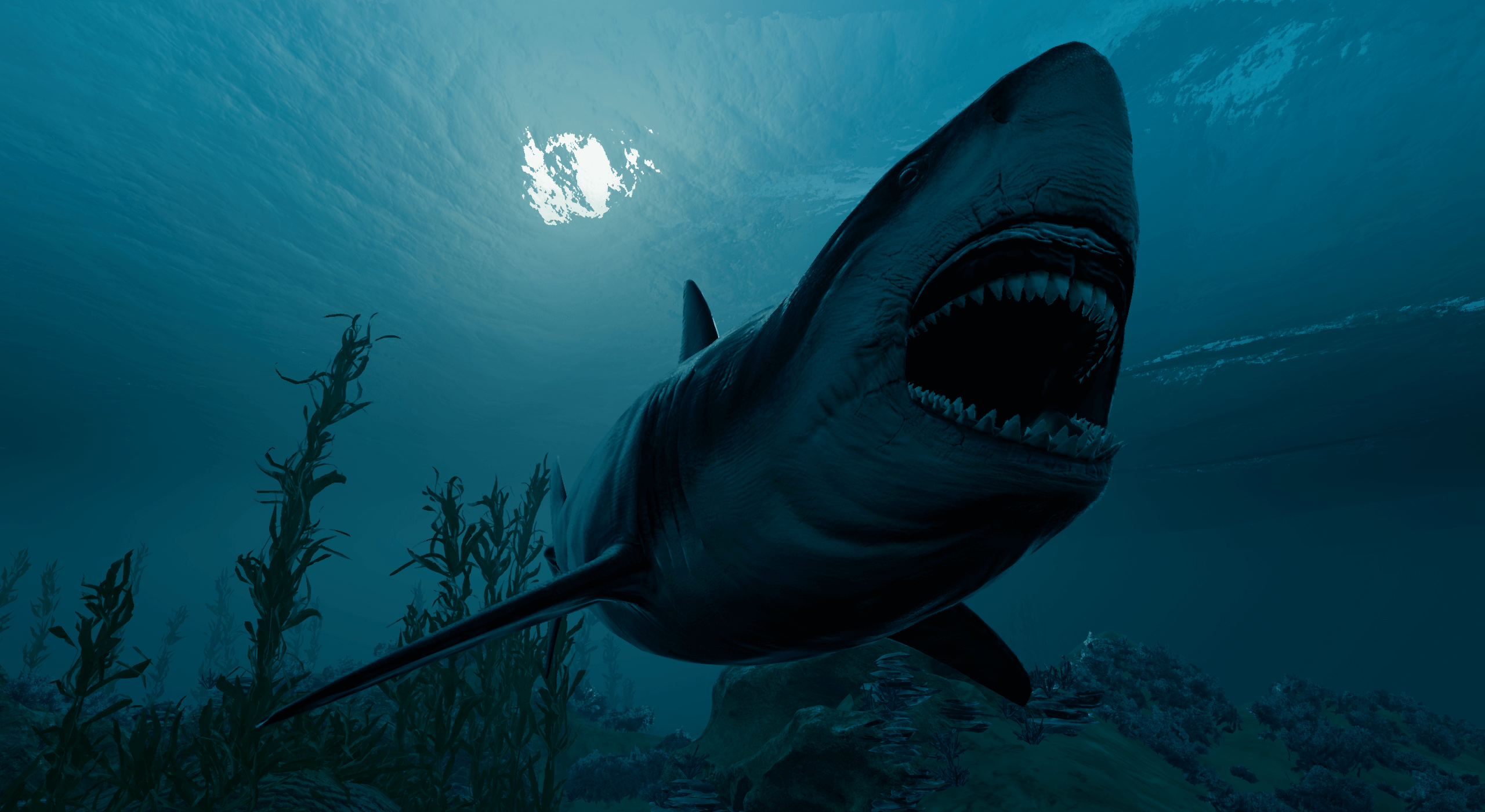
But there is a rumor that there are dangerous sharks in the area. You better be discreet or you will risk your life in an epic fight. Who’s the best between the man and the beast?
Train in the swimming pool then dive into the mysterious ocean, discover more tools and more challenges across the levels.
Built with VR in mind
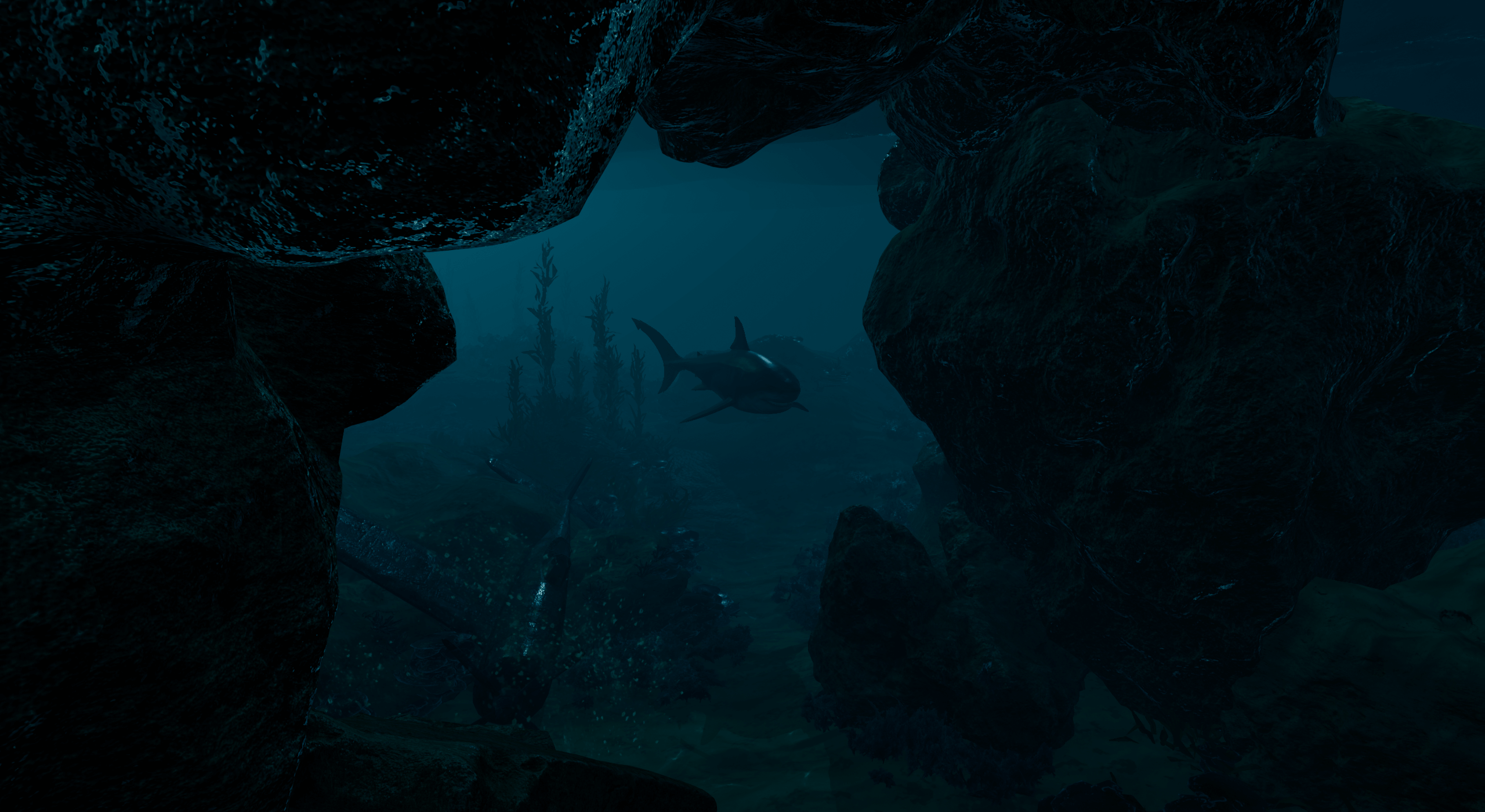
Enjoy the breathtaking undersea environment in VR. Accelerate underwater by doing realistic swimming breaststroke movements.
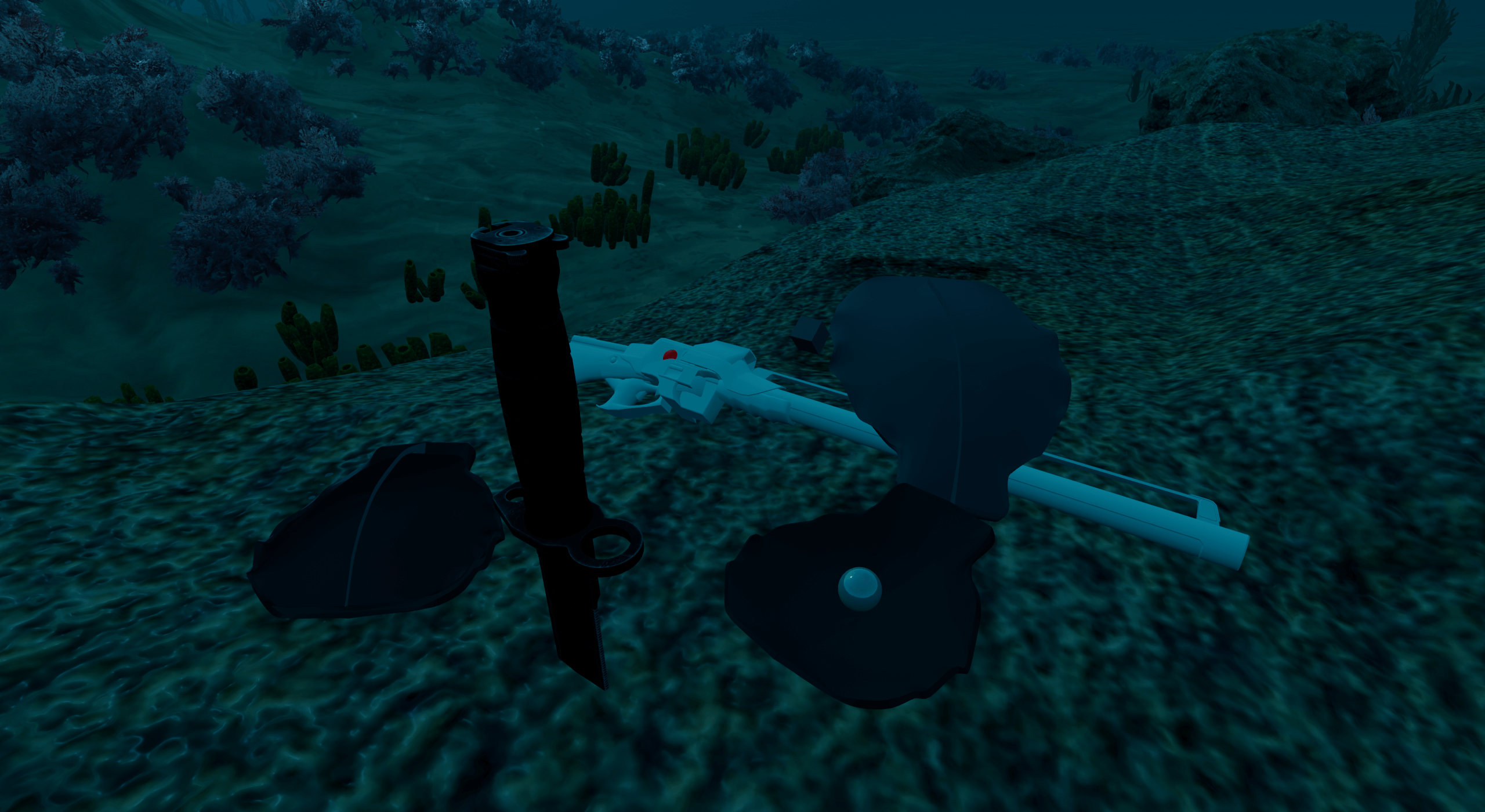
Seek well, grab the shells and physically open them with your knife to get their precious pearl!
Fight sharks using a knife and harpoon. The harpoon is good at distance but slow (depends on how fast you can reload :p). The knife is good at close range, impale for more damage!
You couldn’t imagine what it’s like to have a great white shark coming at you. Now you can live it.
Controls
Movement
On the ground, you have the choice between two movement modes: Teleportation or Smooth movement. -Standard movement: - Left analog to move - Right analog to snap turn (the angle can be modified in gameplay settings)
- Teleport movement:
- Click on stick and orient with stick, aim with you hand, release to teleport
- Works on left and right stick
Underwater, you have two movements at your disposal.
- Breaststroke:
- Push the first button (possible with each hand)
- Do the hand movement
- Release the button to let you flow
- Foot Flapping:
- Orient with the left stick, and also point the wanted direction with you hand
Right stick allows to snap turn(the angle can be modified in gameplay settings)
Interactions
- Grip to grab object / release object / climb
- Trigger to fire harpoon / interact with menu
- Left-hand second button to open menu
- You can find/edit the controls in the in-game menu.
- You can edit snap turn rotation and movement type in the in-game menu.
- You can adjust sound levels in the in-game menu.
- You can adjust graphics in the in-game menu.
- Left-hand system button to reset orientation
- The environment adapts to the player size when resetting orientation
Release information
It is a PC VR game based on OpenXR (Oculus, Vive, Valve Index, WMR).
The Language used in the game is english.
The game development is currently in pause. You can still play the latest prototype version of the game (accessible freely by Patreon members).
Sign up to the newsletter to be informed about this game’s evolution.
» Join the Discord for latest news