This game is still in development.
Trailer & Gameplay Videos

Awards
Vermin Exterminator finished in the top 5 finalists (among 100 entries) for the best VR game prototype at the 2021 Game Development World Championship!

Description
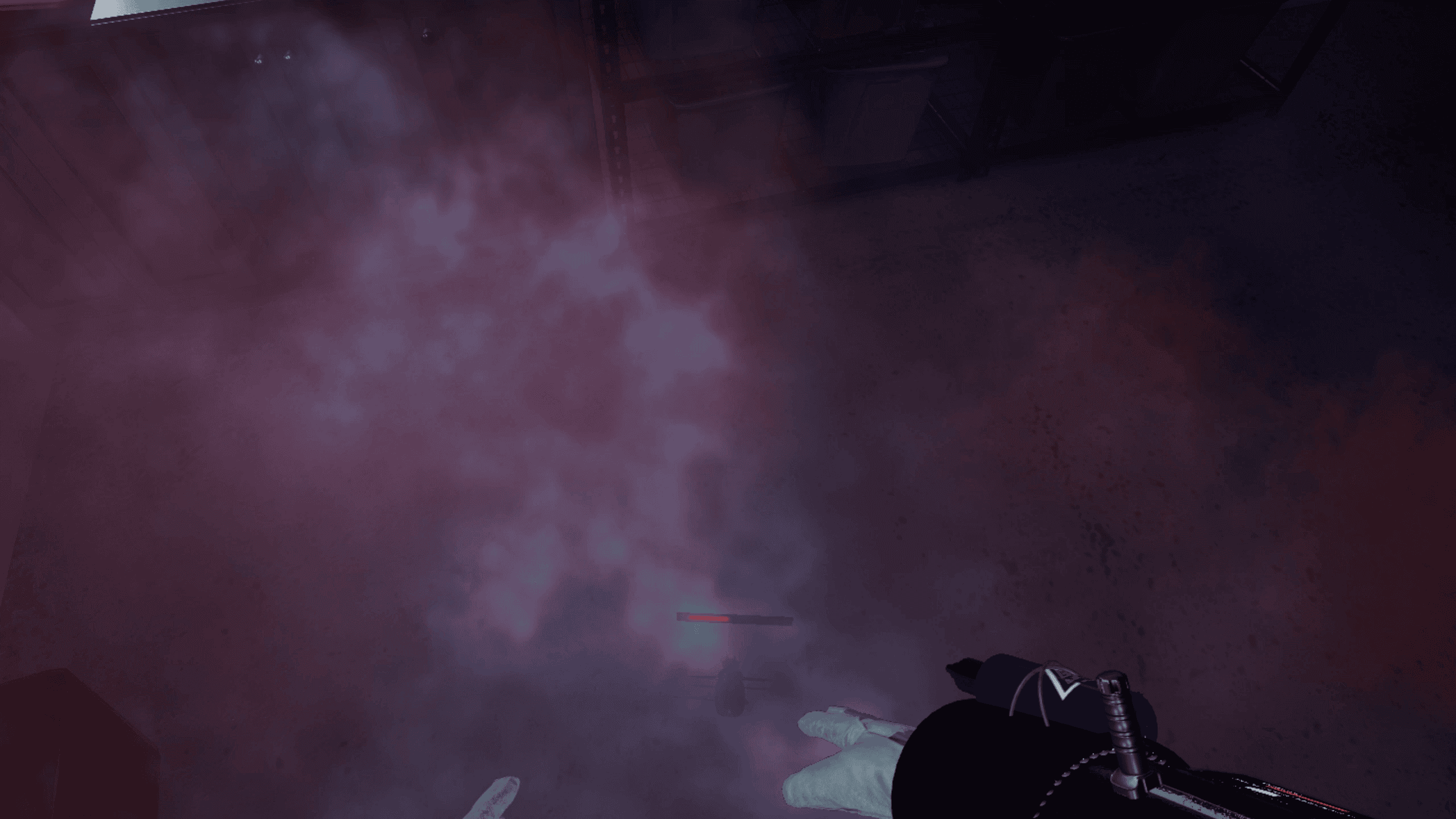
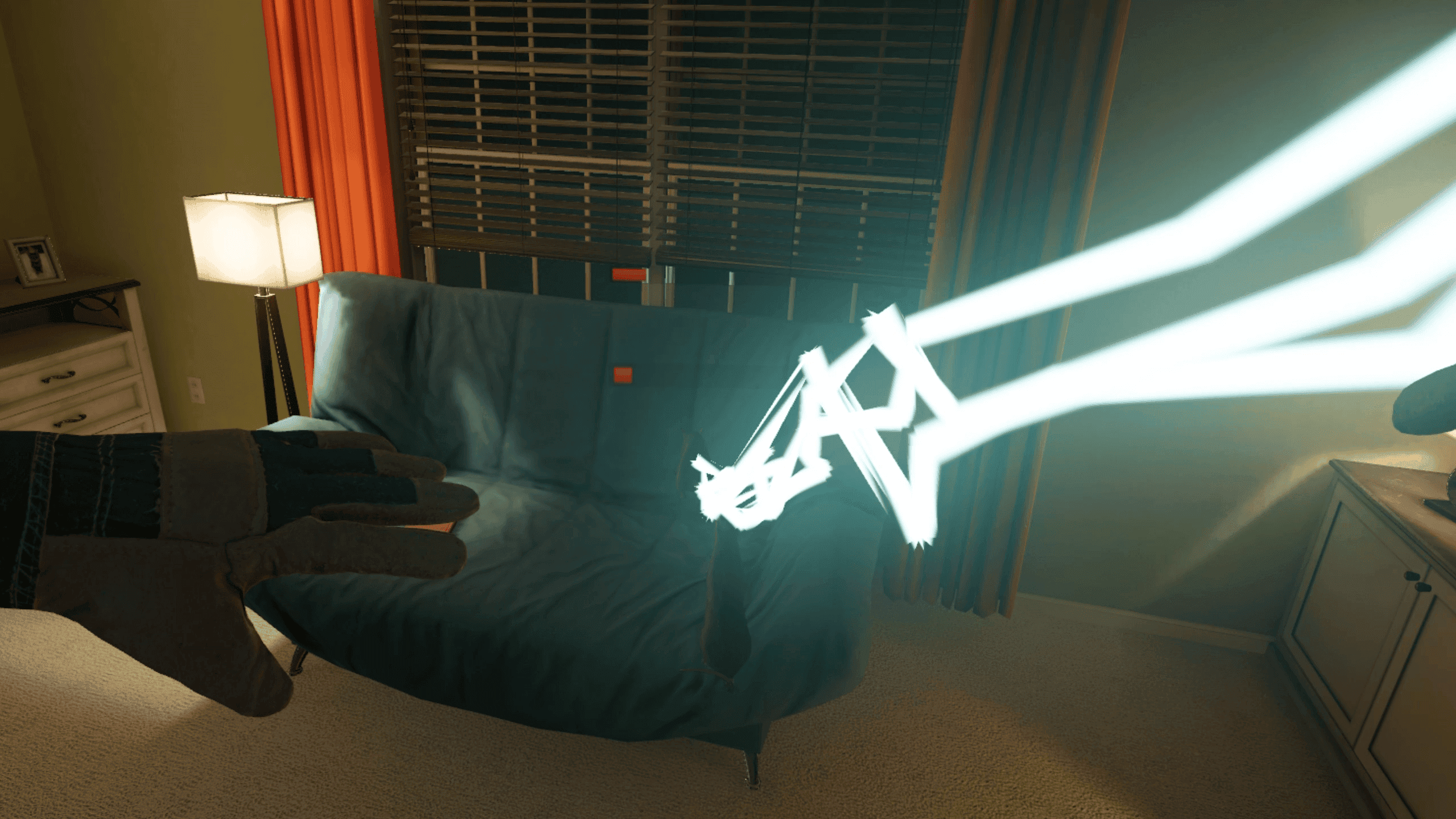
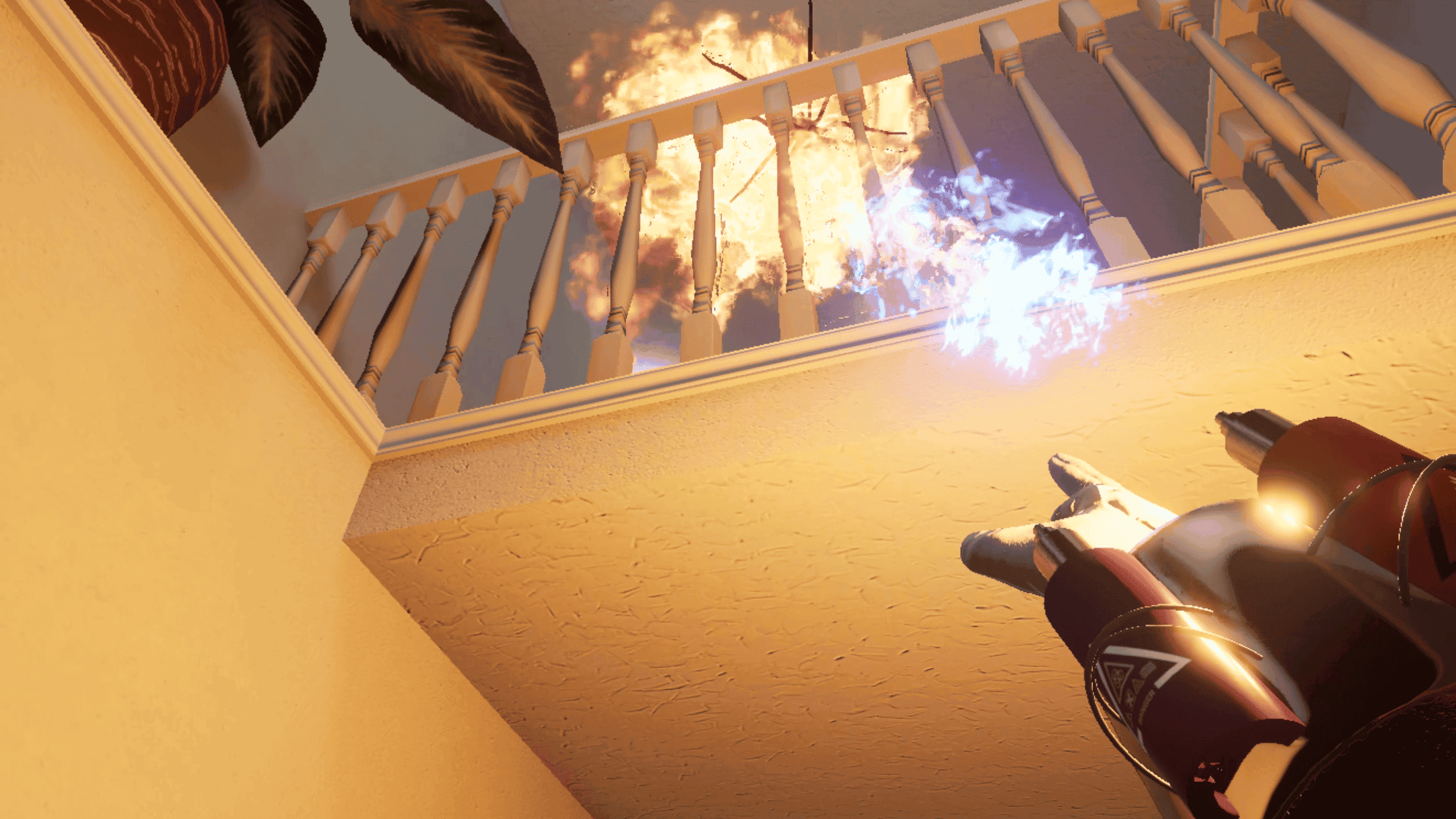
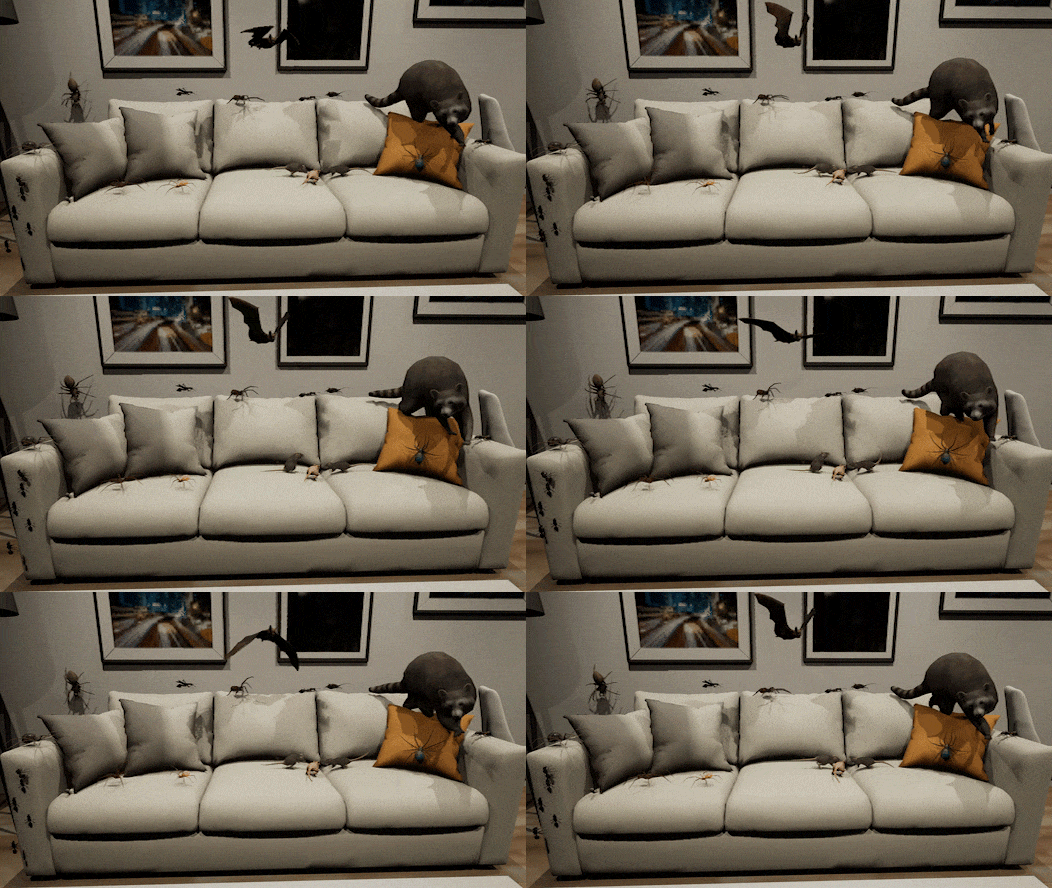
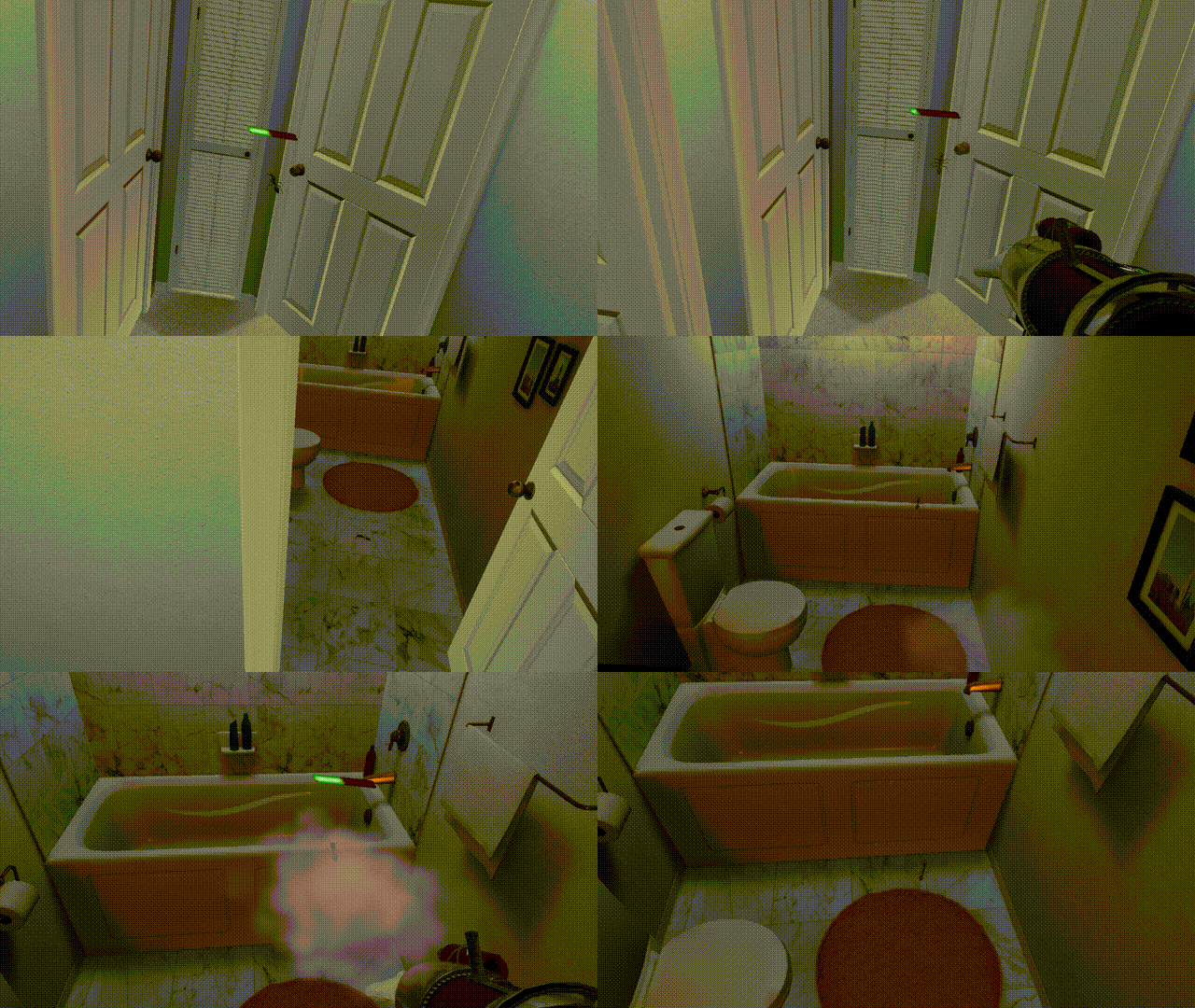
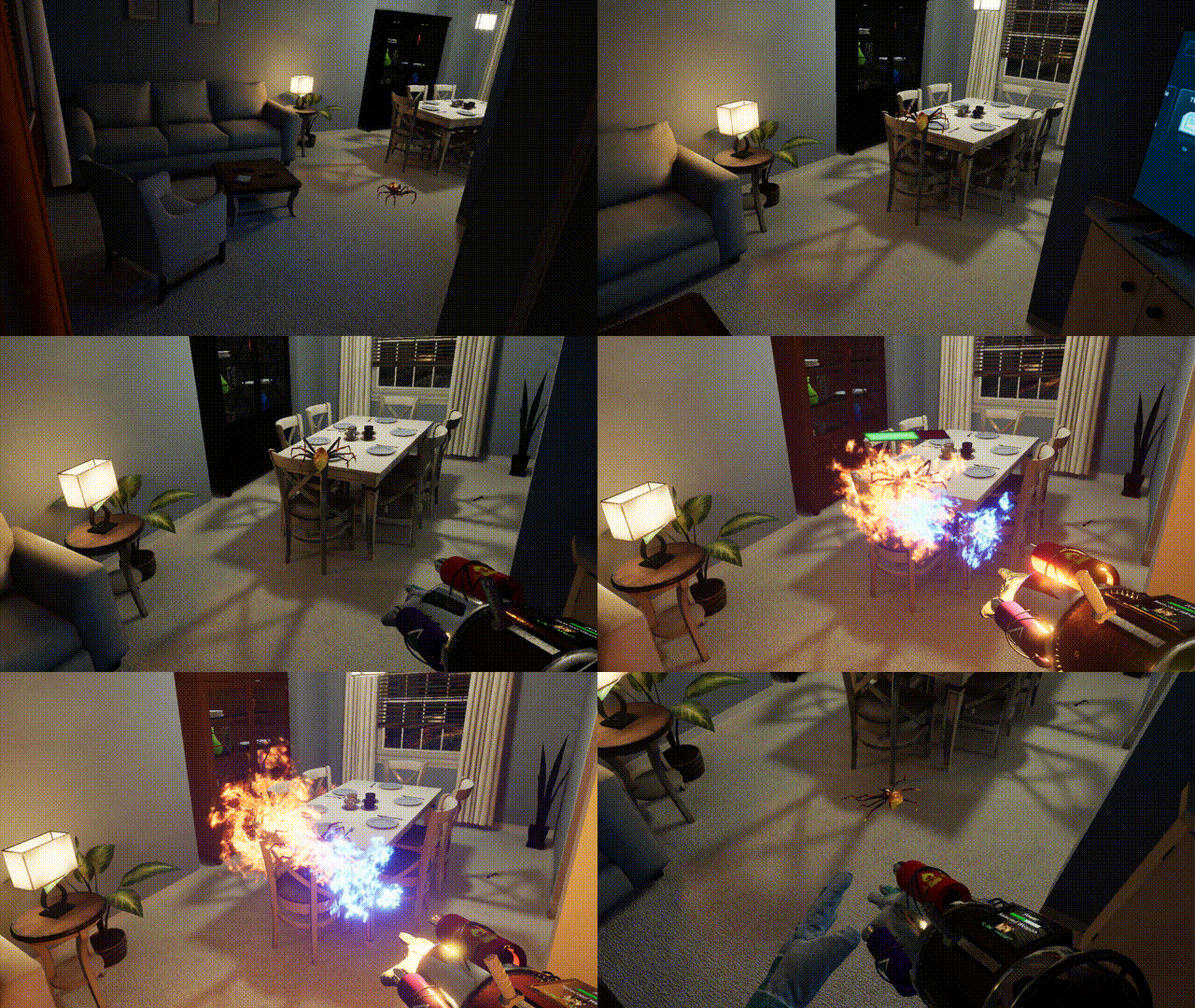
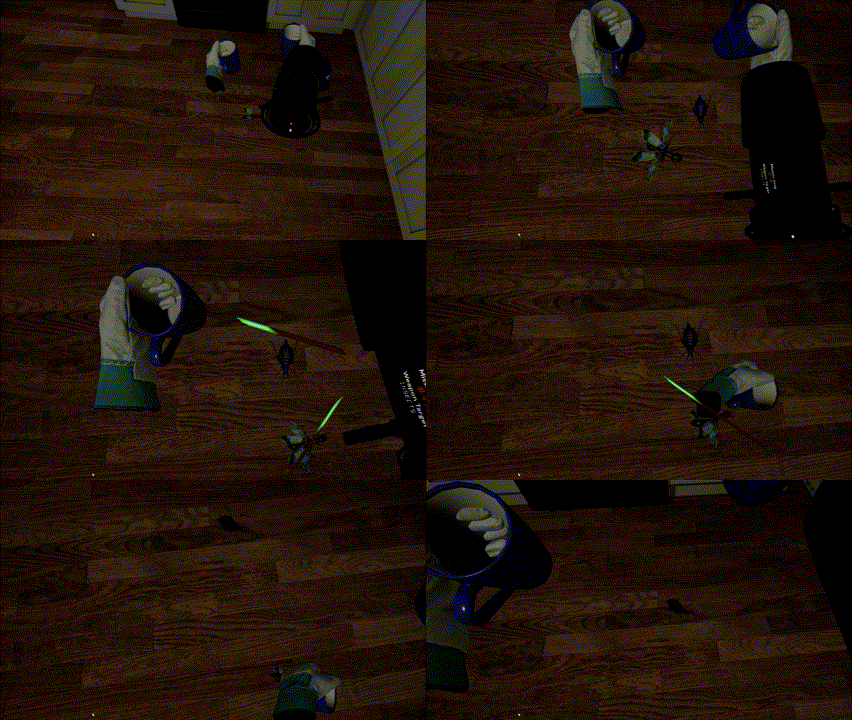
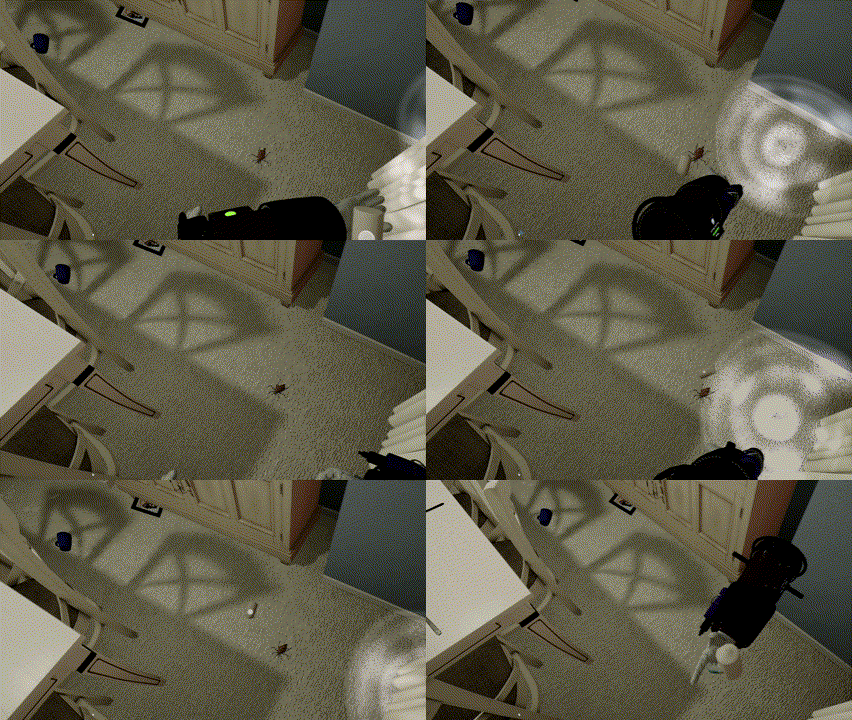
In Vermin Exterminator, step into a not-so-distant future where climate change drives desperate animals into urban areas. The worst part? They appear to be evolving in abnormal ways. As an elite exterminator agent, your duty is to face a variety of evolved vermin, including insects, spiders, rodents, and snakes.
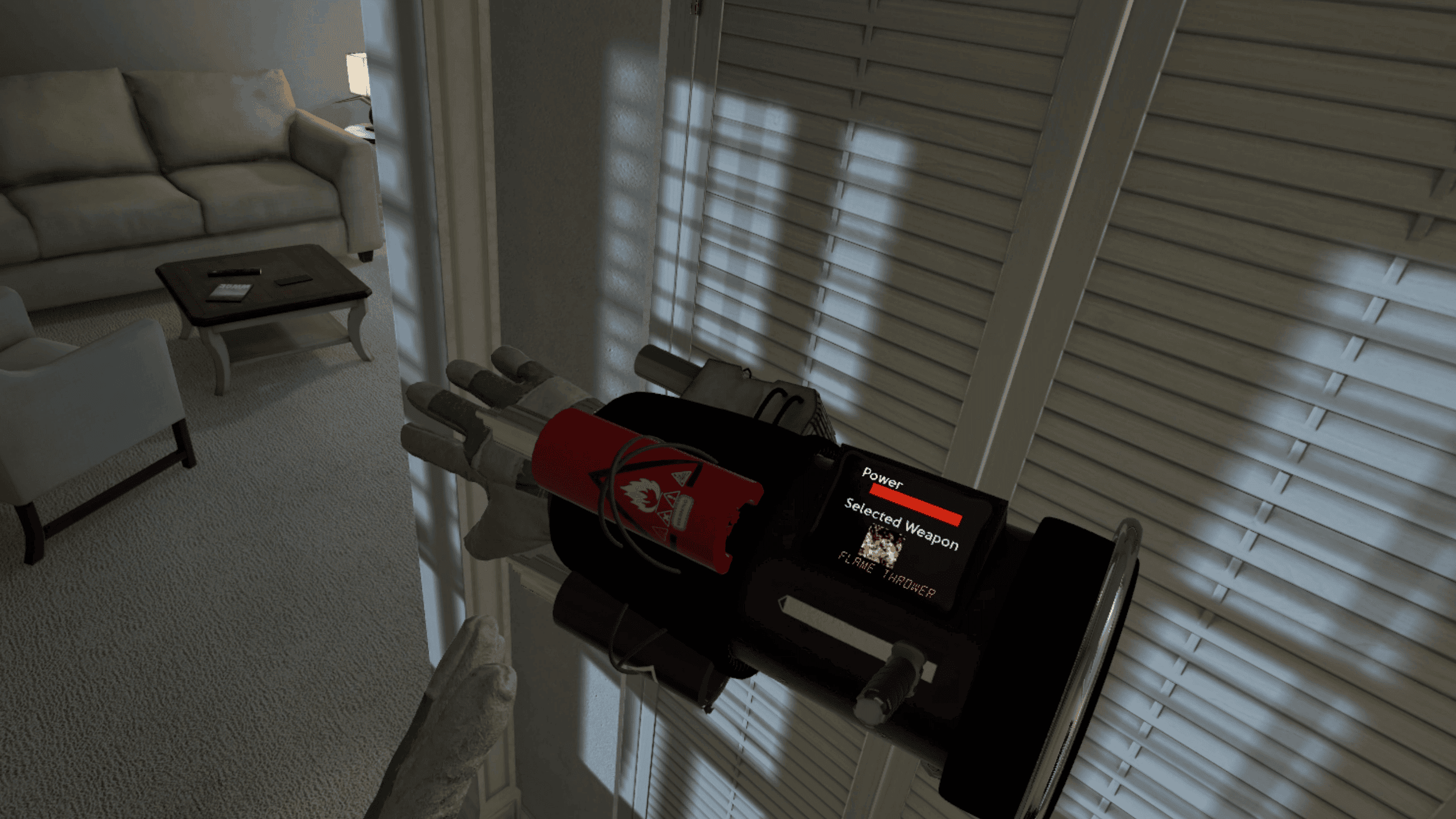
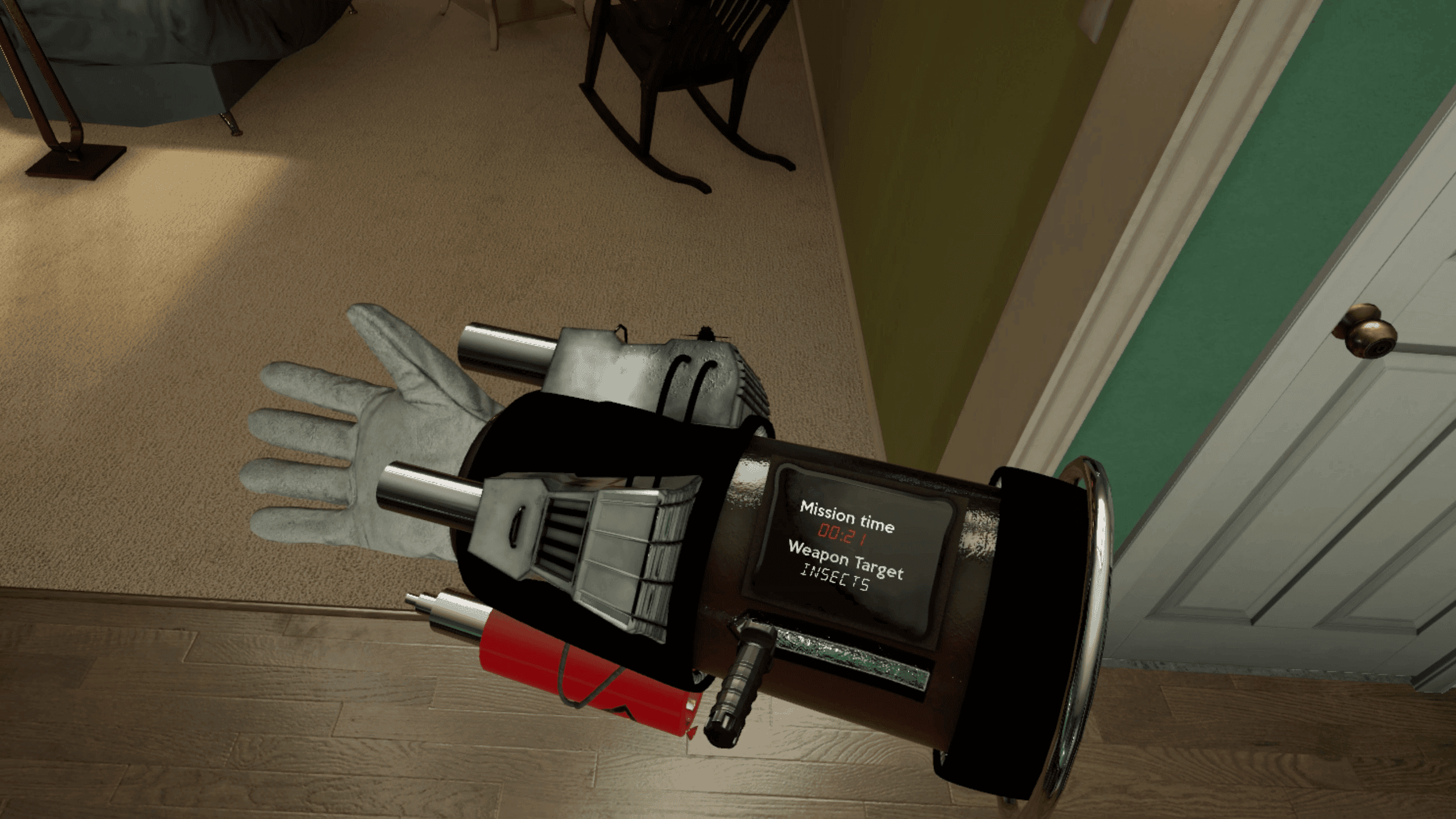
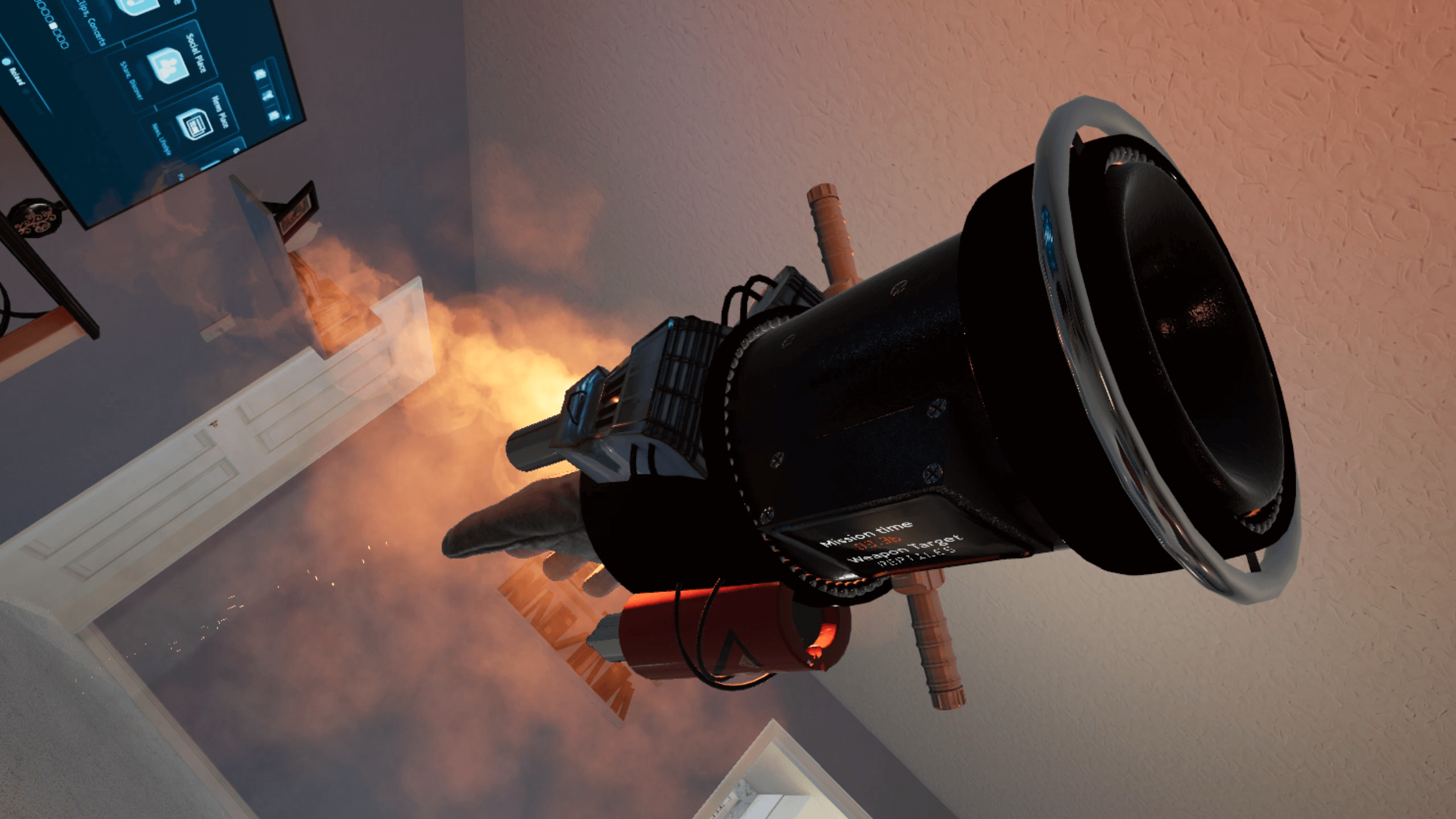
Experience true VR innovation as you manipulate your gauntlet to switch weapons and interact with your surroundings in immersive ways. Open drawers, move objects and use items as melee weapons to seek out vermin, adding an extra layer of excitement to your missions.
In HQ, equip yourself with a diverse arsenal of powerful weapons and tools to make the most of your high-end gauntlet before you embark on your missions.
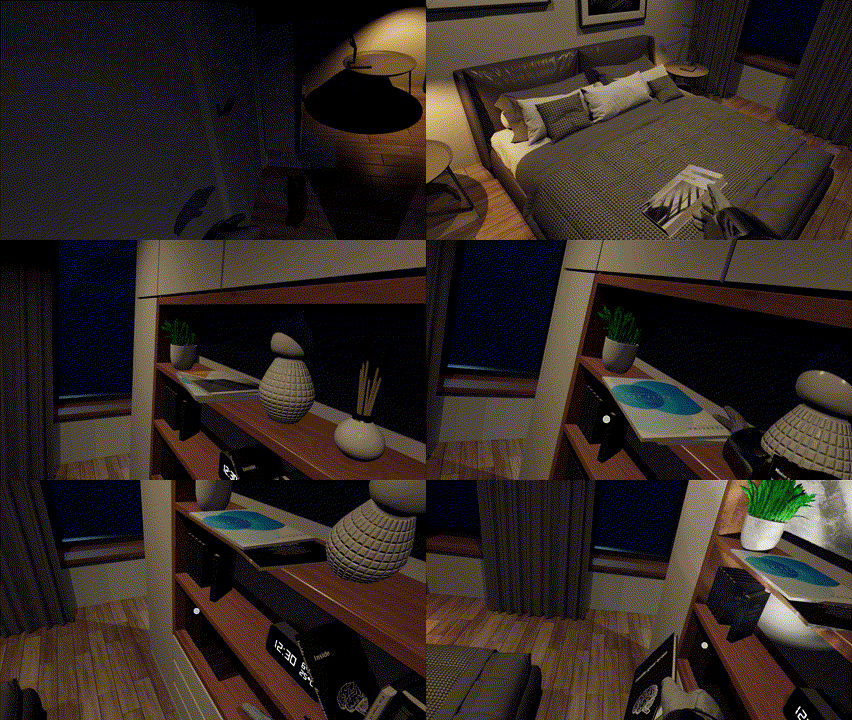
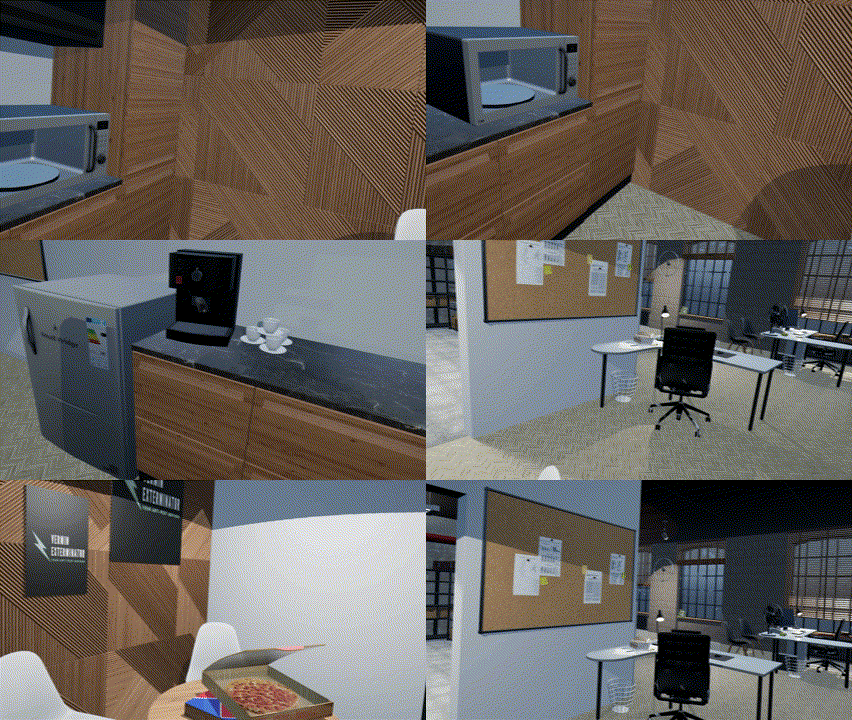
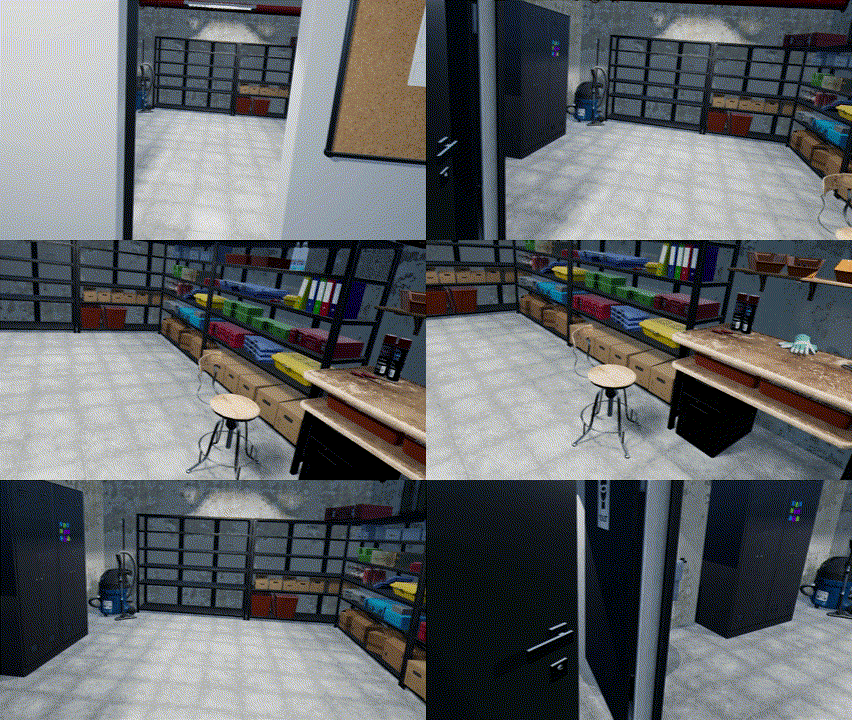
Venture into breathtaking house and office environments and immerse yourself in a narrative-driven experience. Investigate the phenomenon threatening the city, unlocking new enemies, weapons, tools, and locations as you progress through the story. Inhabitants need you: take on secondary challenge-driven missions to earn money and upgrade your arsenal.
Are you ready to save the city from these disgusting threats?
Controls
You have the choice between two movement modes: Teleportation or Smooth movement. Smooth movement is advised for a better immersion but people sensible to motion sickness may prefer Teleportation. Change this option in the Gameplay menu.
Standard movement
- Left analog to move
- Right analog to snap turn (the angle can be modified in gameplay settings)
Teleport movement
- Orient the facing rotation with the left stick, aim for the destination with your hand, and release to teleport
- Rotate on place with the right stick
- If Left-handed menu option is active, the sides are switched
Other controls
- Grip to interact with gauntlet / open doors
-
Trigger to fire/click when pointing button with laser
- Right-hand second button to open menu
- You can edit snap turn rotation and movement type in the in-game menu.
- You can adjust sound levels in the in-game menu.
- You can adjust graphics in the in-game menu.
- Left-hand second button to reset orientation
- Depending of option active in gameplay menu, the player size is adjusted
Release information
Available on: Itch.io
Available for PC VR (headsets compatible with OpenXR).
Use your native OpenXR (e.g. Oculus) for better performance.
» Join the Discord for the latest news